Features

Everything you need for your LIVE – in one app

Overlays, goals and games that make your viewers feel seen.

Scenes – one link, everything in place

Choose which overlays to show and add the scene as a Browser Source just once. Changes appear instantly, without reloading anything mid-stream.
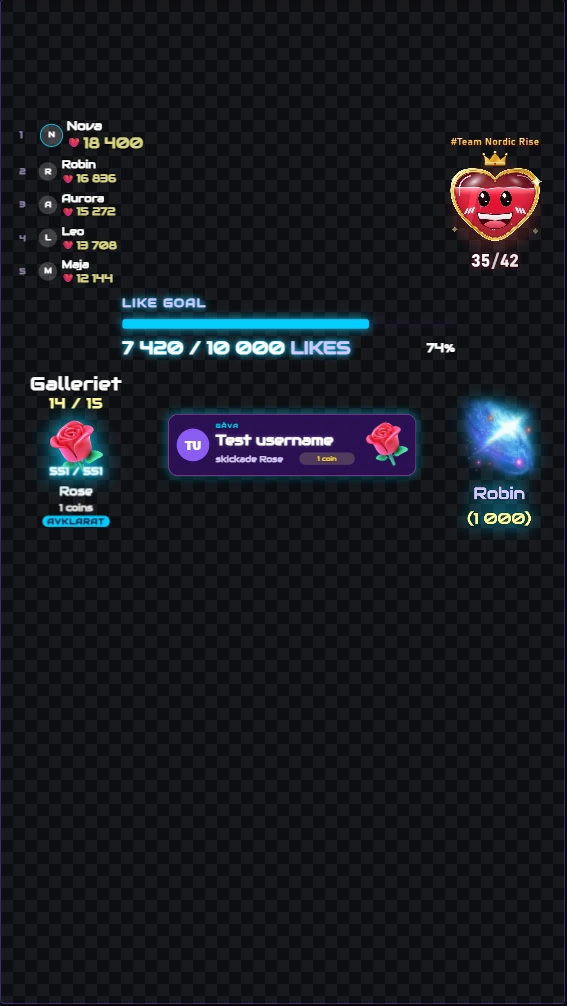
A complete overlay scene with a leaderboard, like goal, gallery, gift alert, biggest gift and a team widget on one canvas
Several widgets in one scene – shown through a single Browser Source link.

Alerts that really say thanks

Show an alert when someone sends a gift or follows you – with your own placement, size, display time and animation. Play custom sounds for a specific gift or Coins value.
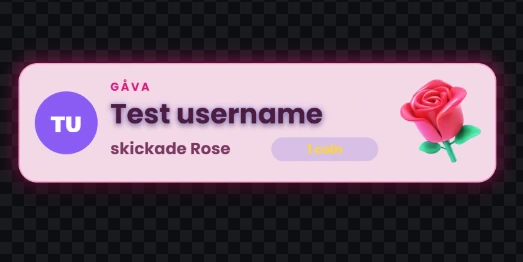
Gift alert with a rose in a pink style
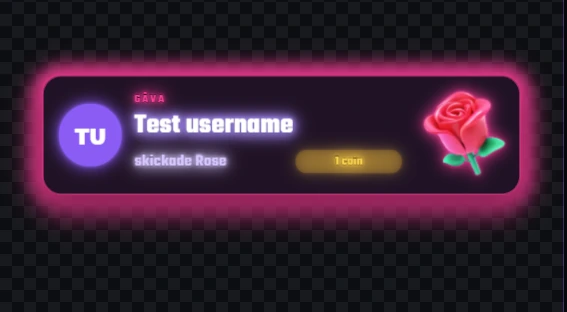
Gift alert in a neon style
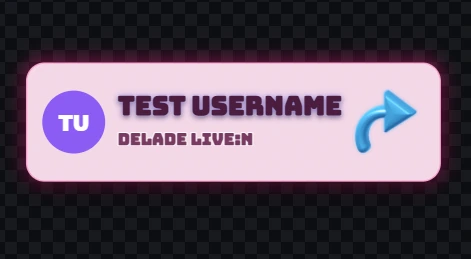
Share alert
The same alert in different looks – adapt it to your style.

Goals viewers want to reach

Like and Coin goals with milestones, plus a separate follow goal. When everyone can see how close you are, they have a reason to help.
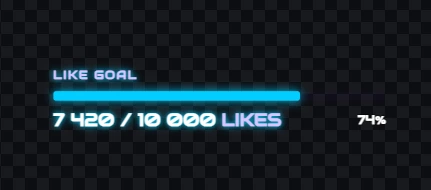
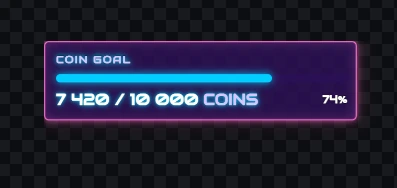
Like goal with a progress bar
Coin goal with a progress bar
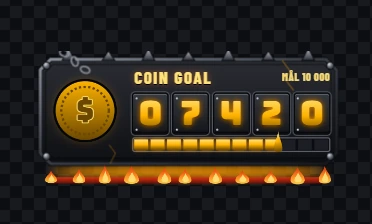
Coin goal with a counter in a metal style
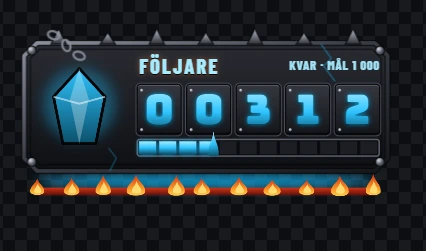
Follower counter in a metal style
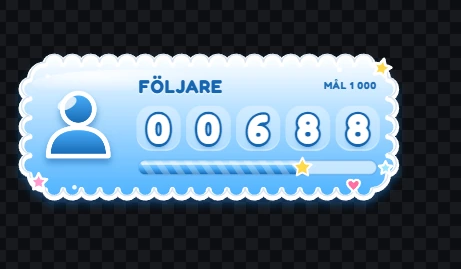
Follower counter in a cloud style
Five goal widgets: Like goal, Coin goal, Coin goal with counter, and follower counters in metal and cloud styles.

Leaderboards and records

Highlight your biggest supporters live and show the stream’s biggest single gift and longest gift streak.
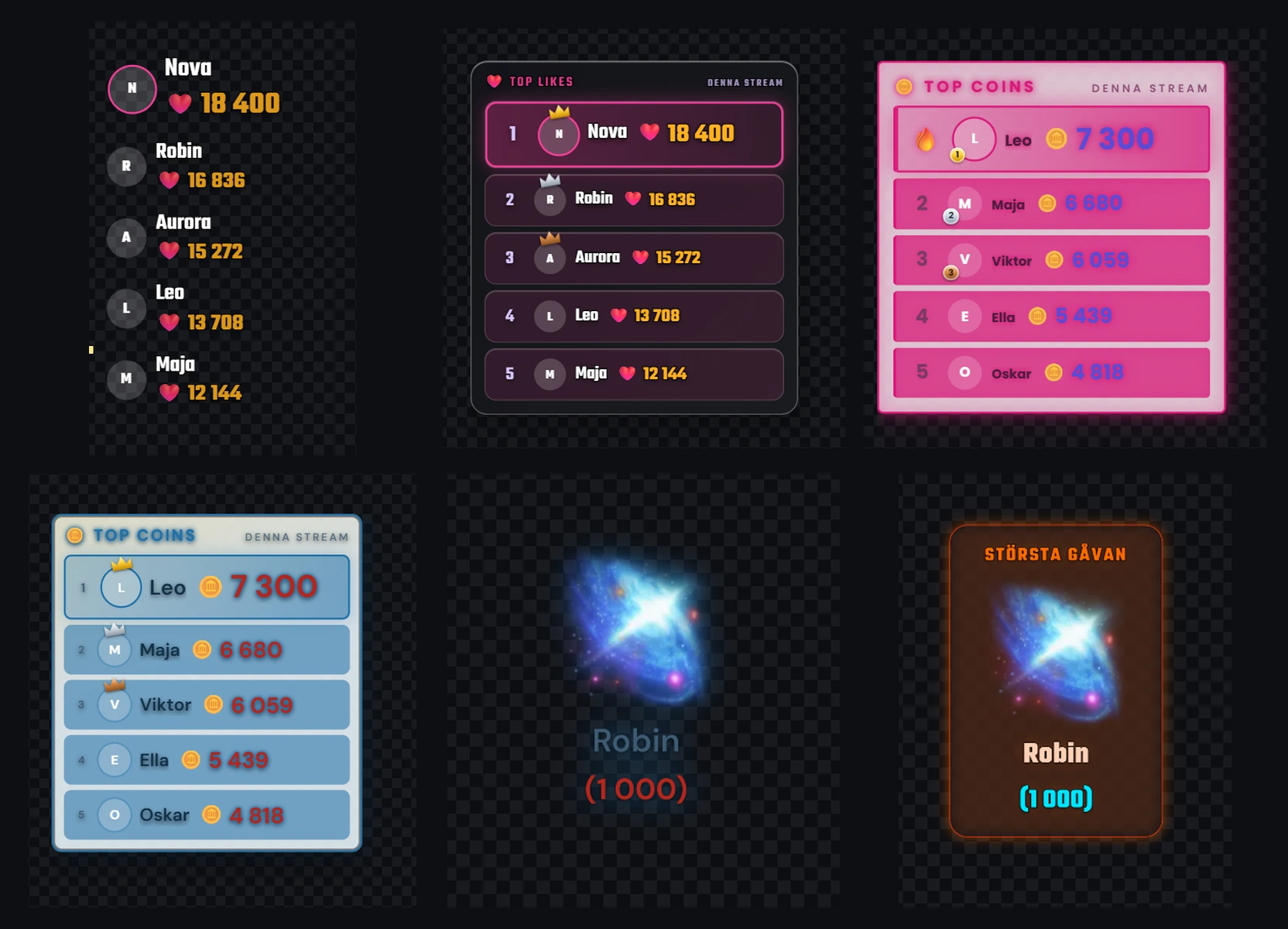
Leaderboards for likes and coins in different styles and the Biggest gift record card, shown together in one presentation
Leaderboards for likes and coins, and the record for the biggest gift.

Quiz in the middle of your stream

Run a quiz live. The question appears as an overlay in your scene and viewers answer by typing A, B, C or D in the chat – one vote per viewer.
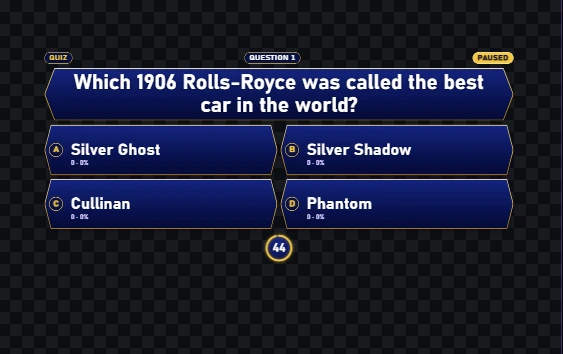
  • Run one question at a time, or a tournament of up to 200 questions where a wrong answer knocks a viewer out.
  • Choose topics, difficulty and how long each question stays open, from 5 seconds to 5 minutes.
  • When time is up, the right answer and who got it are shown. After a tournament, the final result is shown.
  • The questions are available in Swedish and English.
Quiz overlay with a question, answer options A to D and a countdown
The quiz overlay with a question, four answer options and a countdown.

Chat read aloud – locally

Built-in text-to-speech with Supertonic 3 runs entirely on your computer, even without internet. Everything goes through one shared queue, so two sounds never play at once. Google TTS is available as an alternative engine.

No daily quota for local read-aloud with Supertonic 3. Google TTS is an optional alternative with Google’s own terms.

The app is available in Swedish, English, Spanish, Polish, German, French, Chinese and Russian.

All of this. You pay once.

You pay once. No subscription.